The Case of Caldwell Concoctions
Video link:PAGE IN PROGRESS
Playable at:
Summary
The Case of Caldwell Concoctions is a game I created in 2 weeks as a solo project, as my submission to the Pirate Software Game Jam 15. From a technical standpoint, it is simpler than my other projects and did not involve much complex programming, instead focusing more on story and environmental details. The game did however feature:
- A complete, short story experience with a finished ending.
- 9 levels, each with a puzzle.
- A short cutscene in every level.
- Utilisation of Unity’s player prefs system to allow for game progress to be saved between multiple sessions on the web.
- A notebook that will unlock new information as the game progresses.
- Built for and playable in web browser.
I am also currently working on a slightly expanded and improved Steam release of the game.
Visuals
The visual style of the game was created with a combination of RenderTextures and post processing. To achieve the pixelated style, the game first renders the scene to a RenderTexture with a low resolution. This texture is then projected onto another camera, and rendered to the screen. This also means that the UI scales and changes easily as the screen size changes.
The post processing uses SSAO and colour grading to make the colours and the visuals pop more: older games of this style tend to have more saturaded and brighter colours.
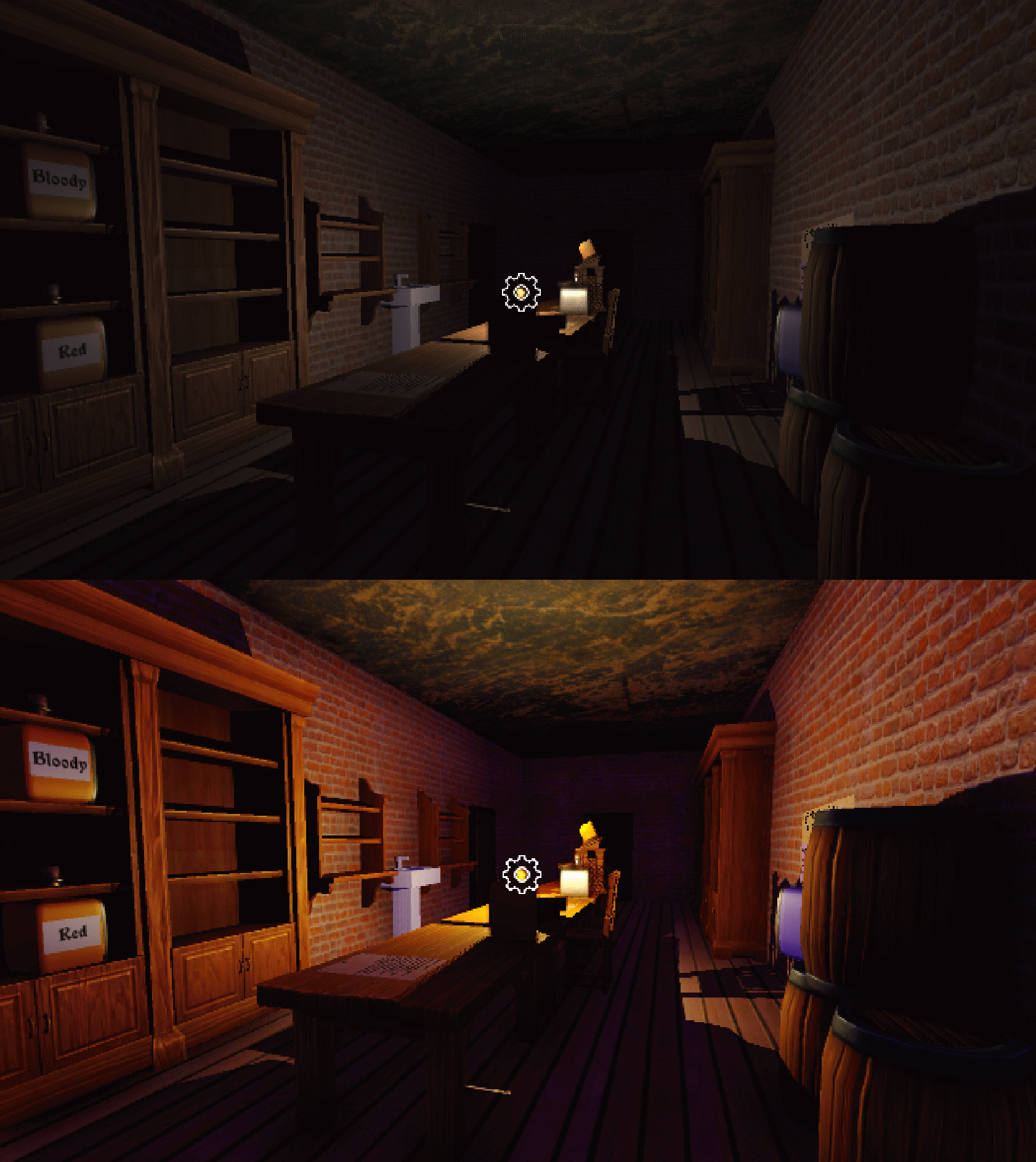
Without Post Processing and with Post Processing.
Potions
The potions in the game were handled using an enum for their names, so that when checking if the combination was correct, no string comparisons were needed. However, this approach ended up being more difficult to handle than string comparisons, as serializing enums can have unintended consequences. For example, if I set the name of a potion in the Unity inspector, but then altered the enum to have new values, the value of the potion in the inspector changed, as internally the enums are just representations of integers. This meant that whenever I added a new potion enum value, it had to be added to the end of the enum, as to not offset any previous values. If I had simply used string comparisons then this would not have occured.
To improve the feel of the game, I added some smoothing using a cos() function to the act of swapping out a potion, instead of just using linear interpolation. This change made swapping potions feel much nicer.
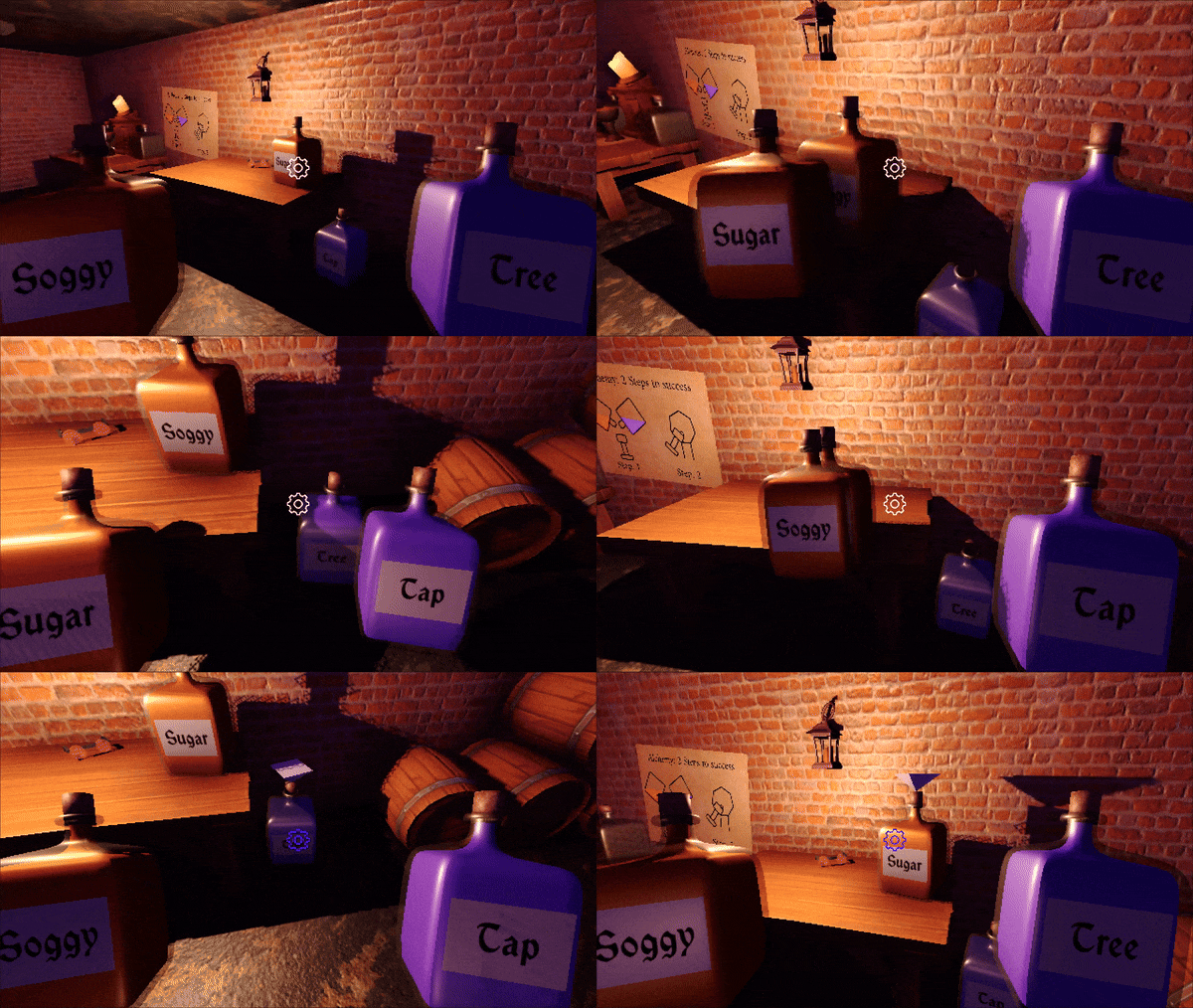
Swapping potions.
Notes
A key part of the game is reading the notes in each level to learn more about the story, and to figure out how to escape each room. I created a system to interact with and read notes, where the player can use the A and D keys to flip between each page of the note. To improve readability, the material of the note object is swapped when picking it up: while the player is reading, the note uses an unlit material, so the positioning in the level does not affect how well they can be read.
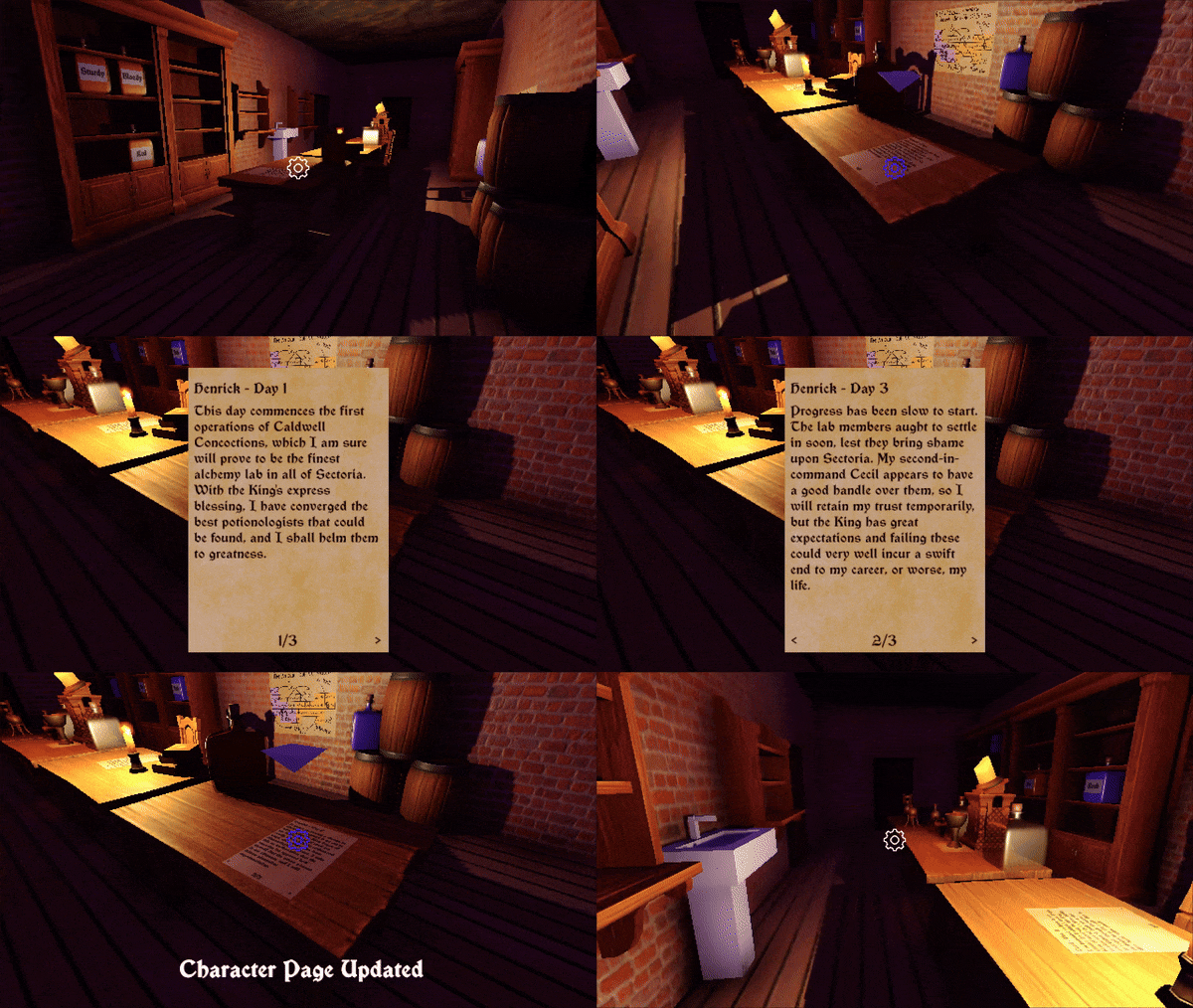
Picking up and reading a note.
Levels
Each level in the game has a different solution, but all are completed by combining two potions at a potion table. The levels have their own quirks and visual styles however, to keep the game interesting. On a technical level, each level is its own Unity scene, but is populated with various objects and most importantly, potion and potion table prefabs. Once a player has created the correct solution for a room, the PlayerPrefs system remembers which room they have just completed, so the player can return to this point in a different play session. More about the PlayerPref system is detailed later.
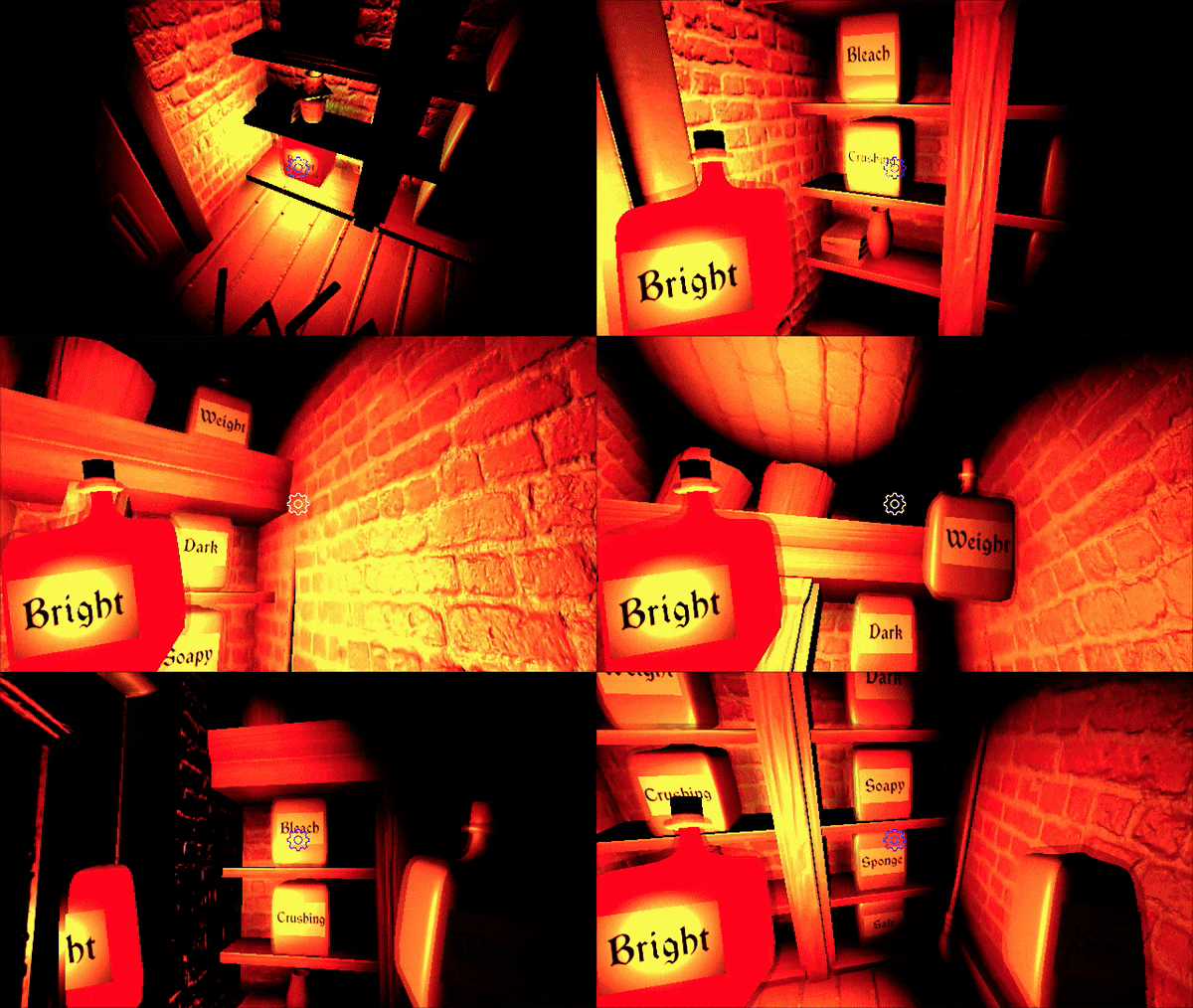
Picking up and reading a note.
Cutscenes
Each level in the game has its own cutscene, which is shown when the player gets the correct solution and transitions to the next level. These took a fair amount of development time, as thye had to be created taking into account the player’s surroundings. To make this easier, when the player interacts with a potion table, their position is moved to be directly in front of it. The cutscenes were created using Unity’s animation system, and by using Animation Events to trigger the transition to the next level, and the visual effects of the cutscene.
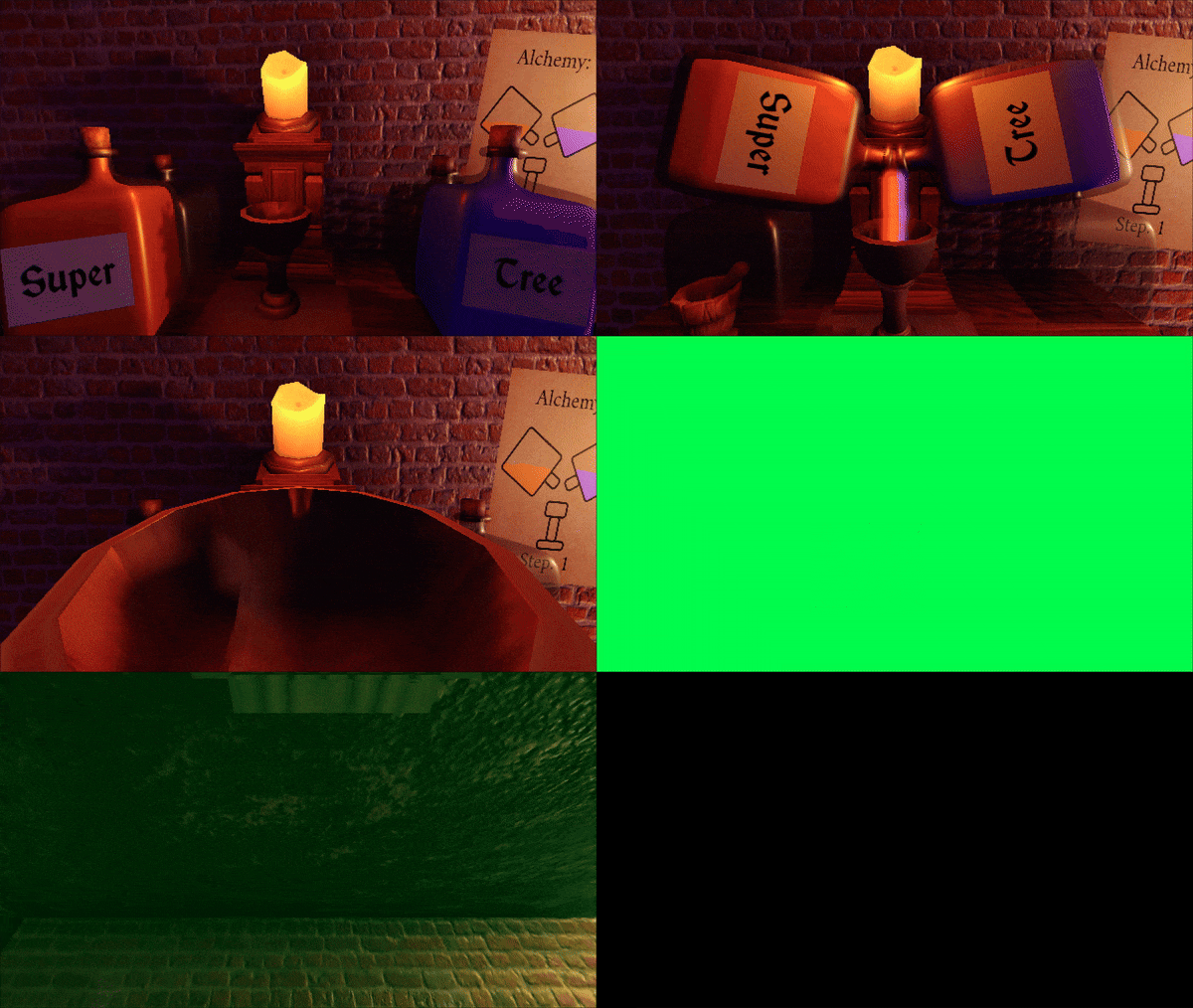
A cutscene plays in each level.
Player prefs
For the game, I wanted to make it such that a player could stop playing the game at any point, and return to the game later, and I therefore needed a save system. Since the game had to be built for web, I decided to use Unity’s PlayerPrefs system, as this system works with web builds, and I needed to store very little data. To track the player’s progress, the game simply writes to the PlayerPref system with the level that the player reached.
Some more data needs to be saved: the game has the notebook system, where information gets unlocked over time, but if the player misses some information, then that information should stay locked. Therefore, I also used the PlayerPref system to store this information.
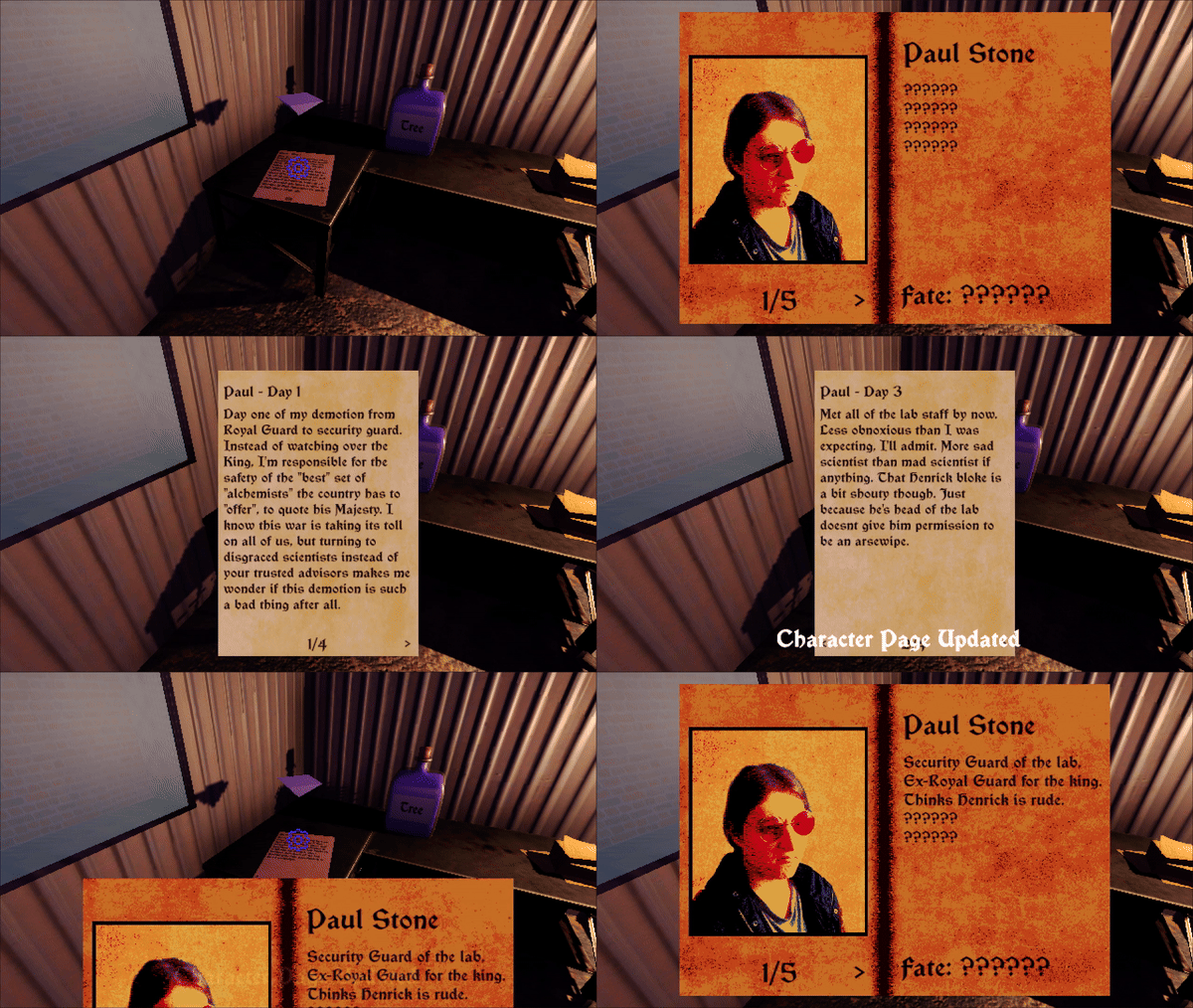
Reading notes can unlock information about characters.
The final use of the PlayerPref system was the player’s camera sensitivity setting, since this should persist across both levels and game sessions. This value is simply stored as a PlayerPrefs float value, and is set whenever a new level is loaded.
Steam Release
I am currently working on the Steam release of the game!
Feedback
Although I did not win the jam, the feedback I received was very positive and I had many comments praising the less technical parts of the game, including the story, writing, environmental storytelling and the audio. As a programmer, it was very nice to have these aspects commented about and to hear people enjoy them! Included are a few comments and reviews of the game on Itch.IO:
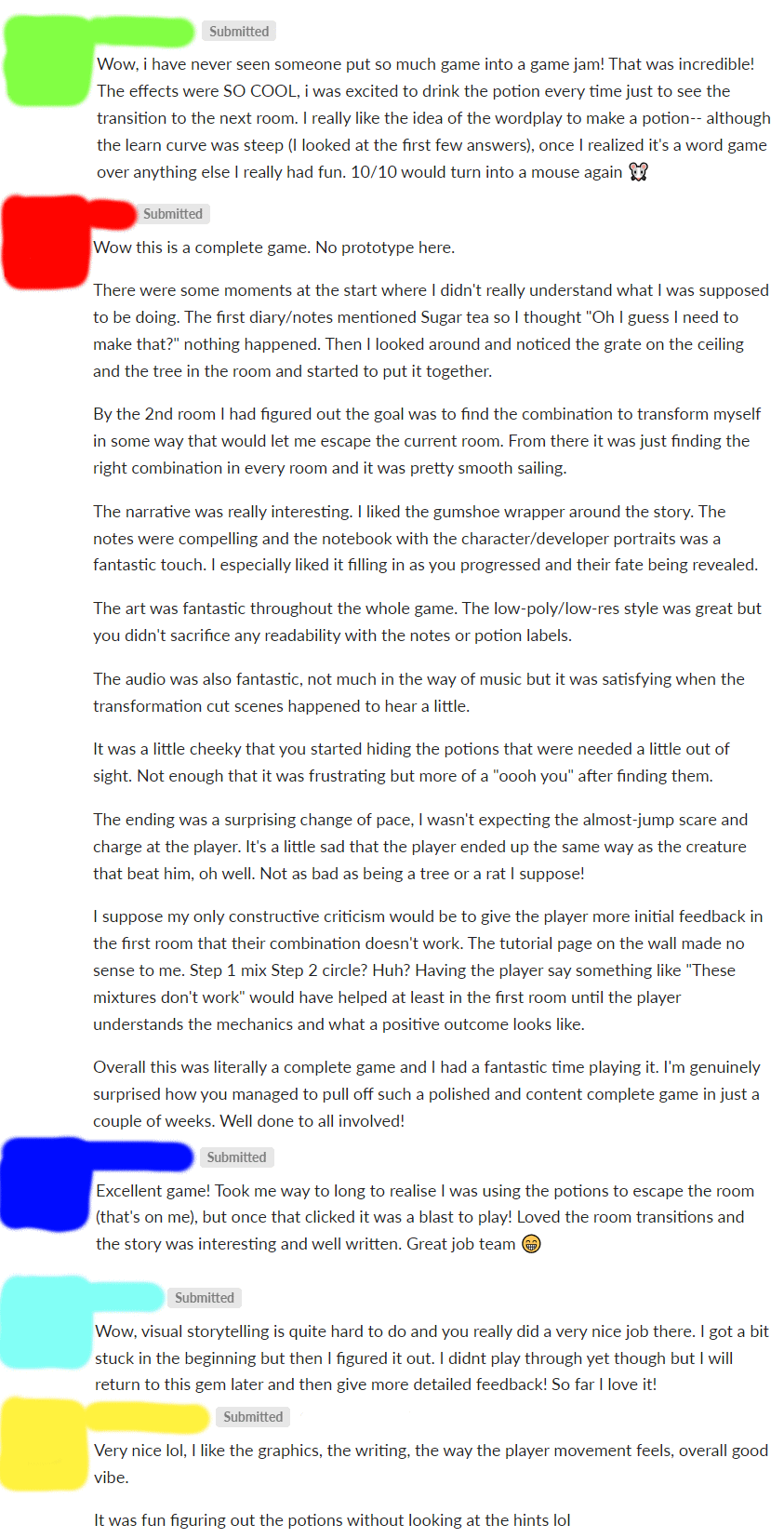
What went well
I was very happy that I managed to get the game fully complete by the deadline of the game jam, which shows that my initial planning and scope for the game was reasonable and appropriate for the timeframe. I received a lot of comments and feedback on the game, a lot of which was positive and praising the aspects I focused on, such as the writing and environmental storytelling.
What I would improve
Some feedback on the game indicated that there should be better feedback for when the player gets a potion wrong, which I agree with. I think a little message telling the player that thwy are incorrect would help the clarity of the game a lot. Some more feedback was that the gameplay was a bit simplistic, and to be a full game, new mechanics would have to be added, which I also agree with. The game could potentially have multiple endings depending on the player’s actions throughout the game, though this was of course outside the scope of a game jam project.